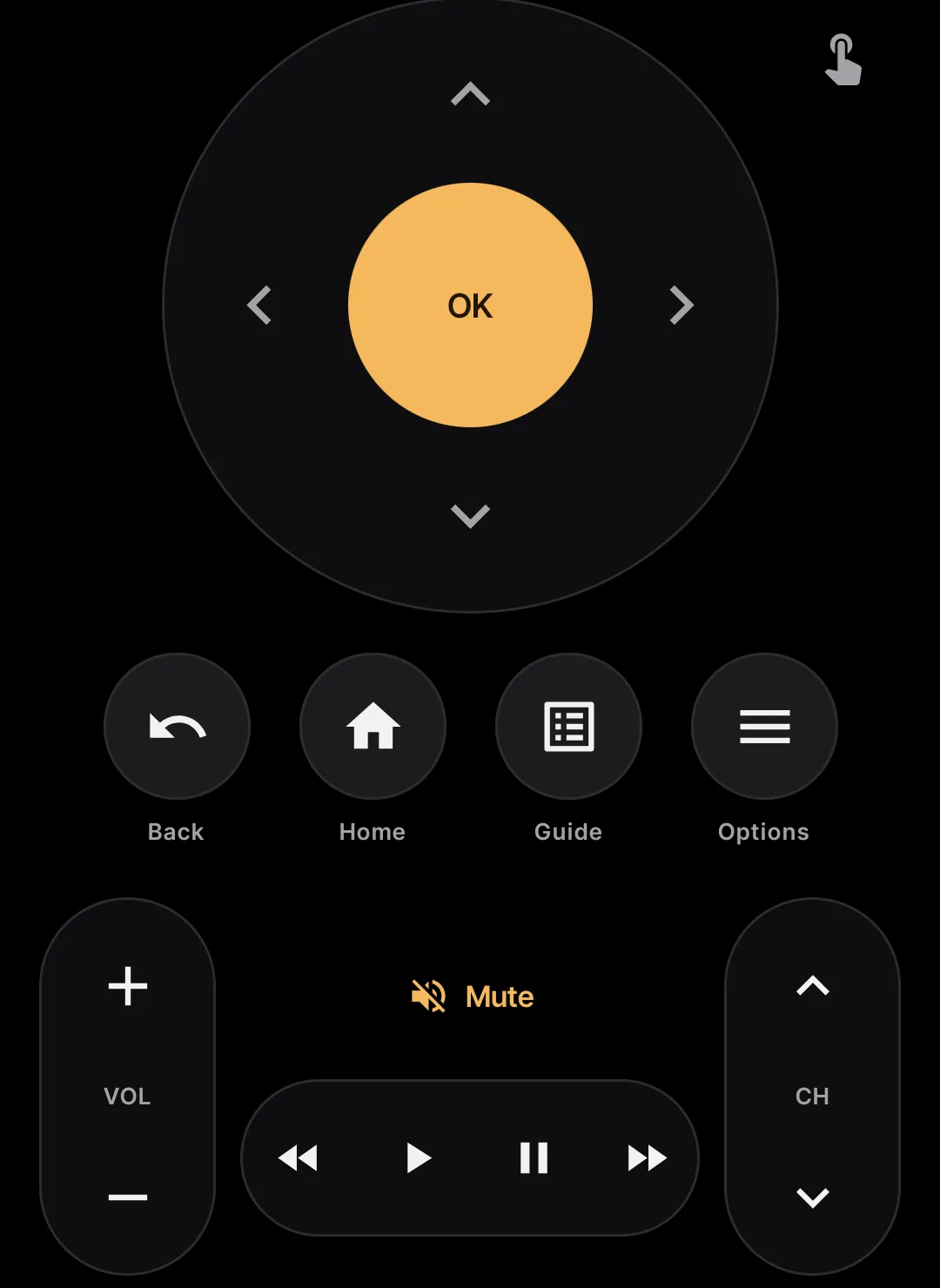
Sohva Remote is a phone remote for one kind of television. At the top of its screen sits a card: on or off, the channel, the programme and its times, the volume.
It looks like a window onto the TV. It is not one. The phone cannot see the TV. Everything on the card is something the TV said when it was last asked.
That would hardly matter if the phone were the only remote in the room. It never is. The TV has its own remote. A games console can take the screen back over HDMI. A soundbar can move the volume. Any of them can make the card wrong without telling the phone.
A claim with an age
The first version asked about power only when it believed the TV was off. On the second day, testing on a tablet, we switched the TV off with its own remote. The app kept showing it on.
The fix was to keep asking. While the remote is on screen, it asks the TV’s power every five seconds, in every state, and reconnects when the answer differs from the card. Switching the TV on or off with its own remote then showed up in the app within about four seconds.
The programme line has the same problem in a quieter form. Broadcast data often switches late, so the TV can report a programme after it has ended. The card asks again just after the programme should end and, if the old one is still reported, every 20 seconds for up to 15 minutes.
None of this makes the card current. It keeps the card’s age short and its errors temporary. Five seconds is a choice between a phone that asks too often and a picture that stays wrong for too long.
“Can’t reach” is a conclusion
Silence from the TV is harder to read. The first request after the app opens can fail simply because the phone’s Wi-Fi is still waking up. So before the app says it cannot reach the TV, it asks once more, two seconds later.
When it does say so, it names only a cause it can see from the phone. These are its own words, with the TV’s name where we write “the TV”:
- Can’t reach the TV: this device isn’t connected to a network.
- Can’t reach the TV: this device is on mobile data. Connect it to your home Wi-Fi.
- Can’t reach the TV: a VPN is on. Turn it off, or allow local network access in the VPN app.
- Can’t reach the TV. Check that it’s plugged in and on the same network as this device.
The app does not guess that the TV is broken or unplugged at the wall. It cannot see either. When no cause on the phone explains the silence, the last message says what to check, not what happened.
Reads retry. Key presses never do.
Asking twice is safe. Pressing twice is not.
The project’s own rules put it plainly: never retry a failed key press automatically. A read that fails can be asked again. A key that may already have reached the TV cannot be sent again without the risk of doing it twice.
Power is where that bites. The TV takes seconds to switch, so a second tap on Power soon after the first is almost always a double tap or an impatient retry. Sending it would switch the TV straight back. The remote lets one power toggle through every four seconds and ignores the rest.
Ad break follows the same rule from the other side. One tap mutes the TV for three minutes and brings the sound back by itself. It never toggles: it unmutes only a mute it made and still holds. A mute by hand, an unmute with the TV’s own remote, or a phone call that takes the mute over is left alone.
Two days, one TV
The first commit was on 25 October. Most of what this note describes was fixed on the 26th, on real hardware, after the code had already passed its tests against simulated TVs.
Each of these faults appeared only with a real TV in the room:
- the power state went stale after the TV’s own remote was used;
- without exact alarms, Android ended an ad break about two minutes late, so the app now says so when a break starts;
- every install made its fast-keys certificate with the same subject and serial number, so pairing a tablet quietly unpaired the phone;
- a scene switched channel, and a games console took the screen back a moment later; scenes now look again four seconds later and switch once more.
The tests were useful. They could not have found these.