
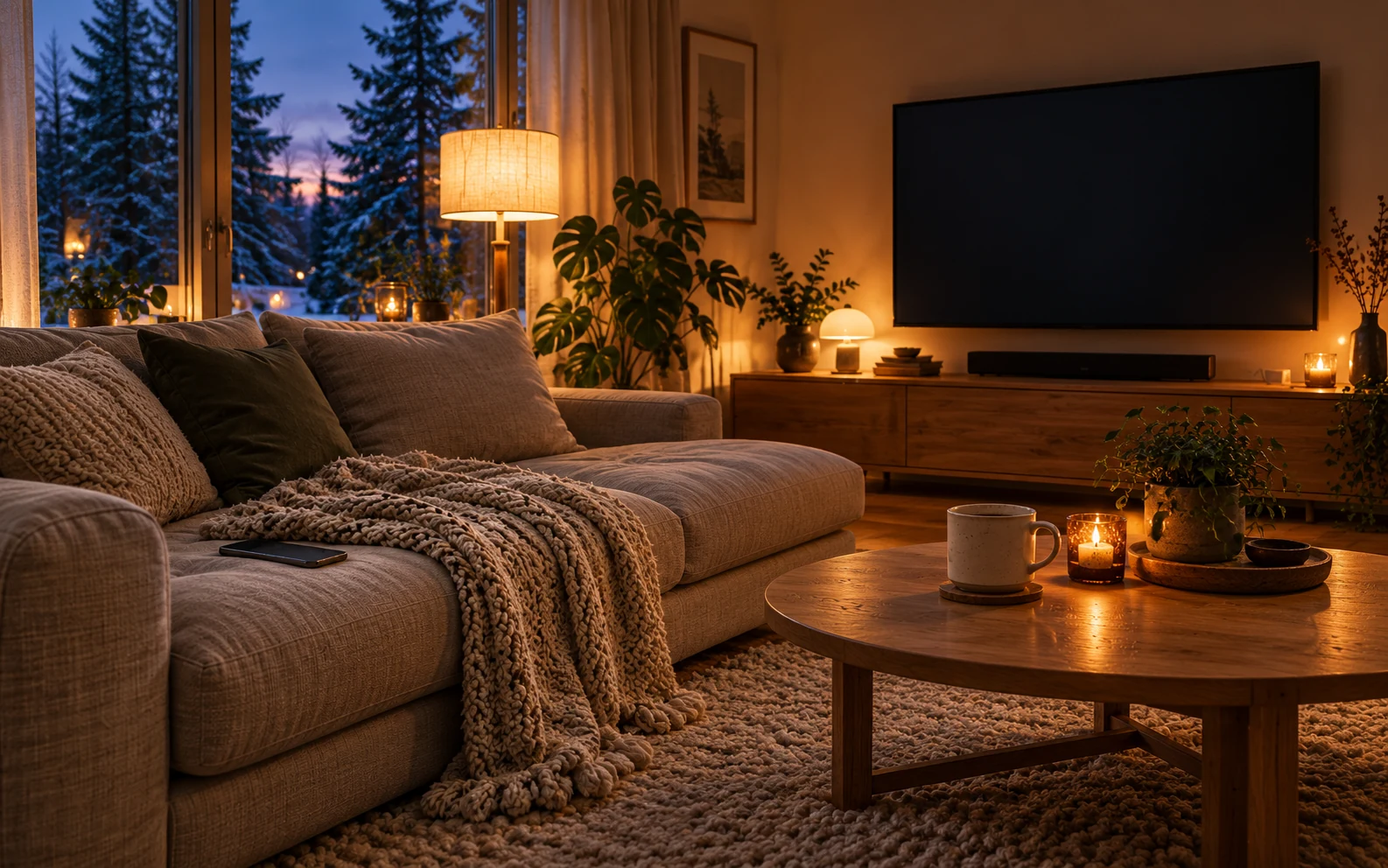
The remote has gone into the sofa. The phone is on the armrest. The television is explaining a car at a volume no car has ever needed.
This seems like a reasonable place to begin making software.
Sohva is our Android remote for Sony Bravia TVs. The name is Finnish for sofa. It finds the television on the home network, pairs with a PIN and puts the ordinary controls on the phone: a directional ring, a large amber OK, volume, channels, the way back.
There are more capable things in the world. We were interested in making this one considerate.
The bright thing is across the room
A remote lives beside the thing you meant to look at. Every moment spent reading it is a small diversion from the programme, the conversation, or whatever you had finally sat down to stop doing.
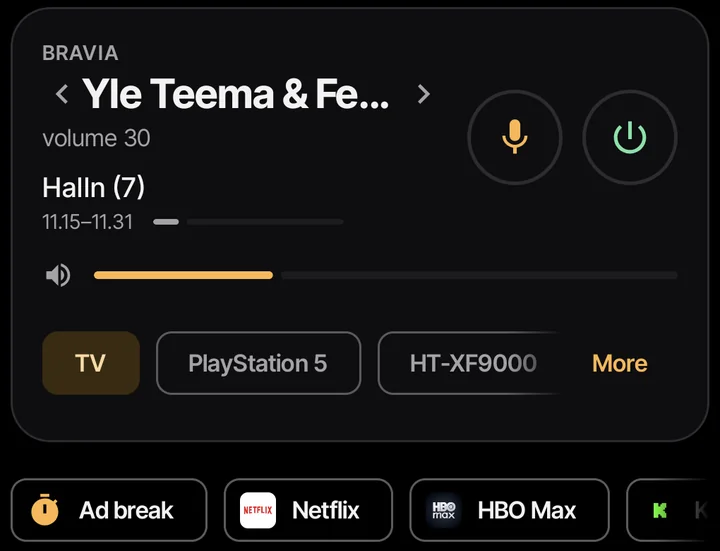
So the centre of Sohva’s screen is a place for a thumb. A round directional control, with OK in warm amber. Below it, volume and channel have their own broad rockers. The card above says what is on. More holds the things you need less often.
It still asks you to look. Glass has no raised edges to find in the dark, and a drawn button cannot pretend otherwise. Letting the phone’s own volume buttons control the TV is one useful concession to that fact.
Three minutes of quiet
The Ad break button mutes the commercials and brings the sound back after three minutes. There is an extra minute for a longer break. It is an appealingly ordinary feature: a small arrangement with your future self.
But a timer that remembers a time also has to remember whose decision it is carrying.
If the television was already muted, the end of an ad break should not suddenly fill the room. If you bring the sound back yourself, a later mute is yours too. The break has lost its claim on it.
In Sohva’s source, that claim has a name: mutedByUs. A small piece of state that gives the feature some manners. The break only unmutes a mute it made and still holds. A phone call can take that responsibility over as well.
The timer remembers when.
The useful part remembers whose.
This is where a domestic tool becomes interesting to us. The difficult bit is rarely the countdown. It is the other person in the room, changing their mind.
A habit is not permission to wake the house
Perhaps the news belongs on Channel 1 at eight. A saved scene can choose that channel and a comfortable level. Put it on a schedule, and the evening can keep its shape without another trip through a menu.
But eight o’clock arrives whether anyone is watching or not.
A scheduled scene in Sohva only acts while the television is on. If it is in standby, the scene leaves it there. The clock has kept an appointment; it has not been given permission to start an evening.
A wake-up has that permission. It is a separate setting, with days, a time, a destination and a level. The distinction costs a little explanation. It also means an empty room can remain an empty room.
There is a larger design question folded into this tiny one. When we save a preference, how far are we asking a tool to carry it? Across a change of channel? Across a closed app? Into a house that has gone to bed?
The last minute
The sleep timer has a gentler finish. Over its final minute, the sound comes down in six steps towards a lower level. Then the television switches off.
The old level is kept for when the app next sees the television on. Even this is conditional. If someone has already changed the level, their choice stays. A remembered evening should not overrule the next one.
That is a surprisingly good brief for a piece of software: help this moment end, and leave the next one room.
As far as the house
Sohva’s TV-control traffic stays on the local network. No account to make, no advertising to sit through, no cloud service between the button and the television. A phone and a TV, with a fairly modest thing to say to one another.
There are still conditions. Both devices need to be on the same network. Pairing needs the television’s permission. Standby needs Remote start. If the connection fails, the useful answer is a next step, not a reassuring dot.
“Local” also needs its edges left visible. Voice input uses Android’s speech recognizer, whose processing depends on that service. A simple sentence about where TV commands go should not quietly become a promise about every service on the phone.
A small thing, made properly
There is an interactive room beside this note. It lets you start an ad break with a TV that was already muted, ask a scheduled scene to find a room in standby, and move through the last minute of the evening.
It is a browser sketch of selected rules, with example channels and a clock you move yourself. The app’s real screens are shown alongside it. It cannot tell us whether a tired hand finds the right control, or whether another person understands the timer without an explanation. Those questions need an evening of their own.
For now, we have a useful object and a way to look closely at three of its choices. The scale is small. The attention need not be.
Put the phone down. The programme is back.