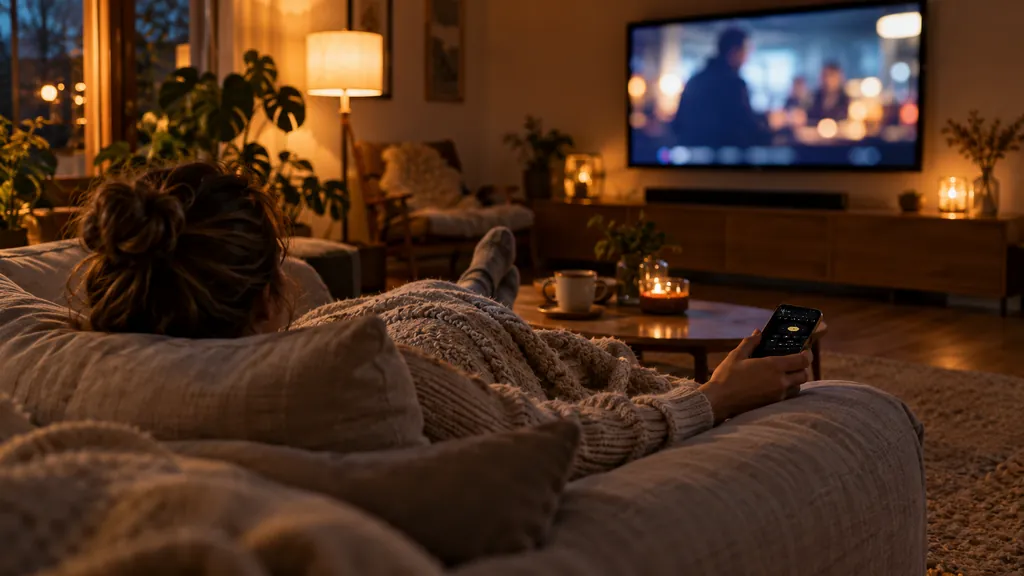
Fast keys
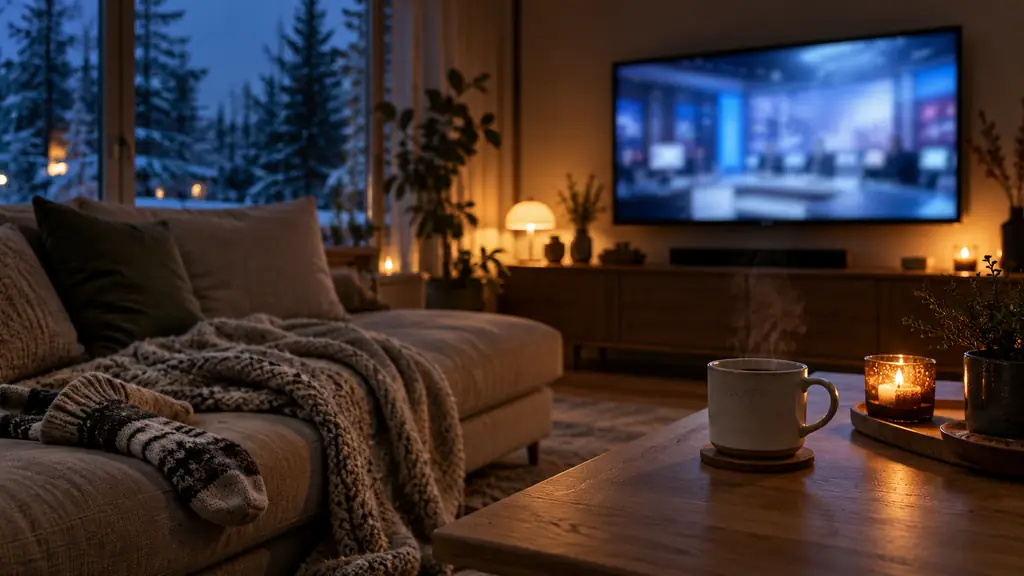
The D-pad, volume and channels go over the Android TV Remote protocol, so a press lands before your thumb is off the screen.
Tensof milliseconds, press to TV
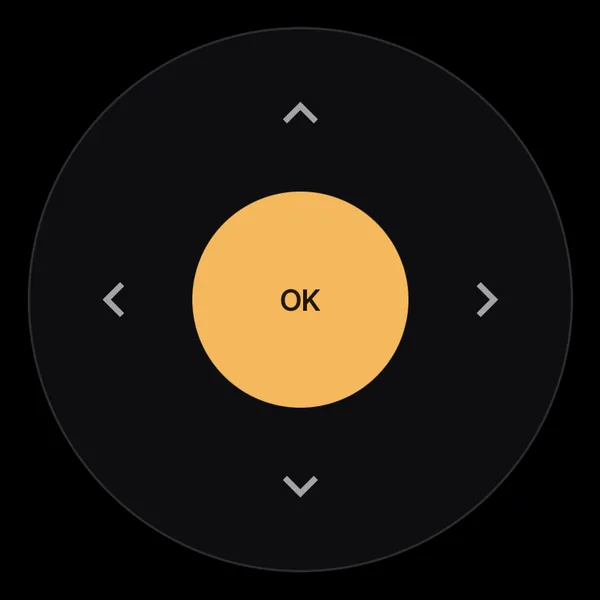
An ad-free Android remote for compatible Sony Bravia TVs. It controls your TV over your home Wi-Fi, with no Sohva account or cloud service.
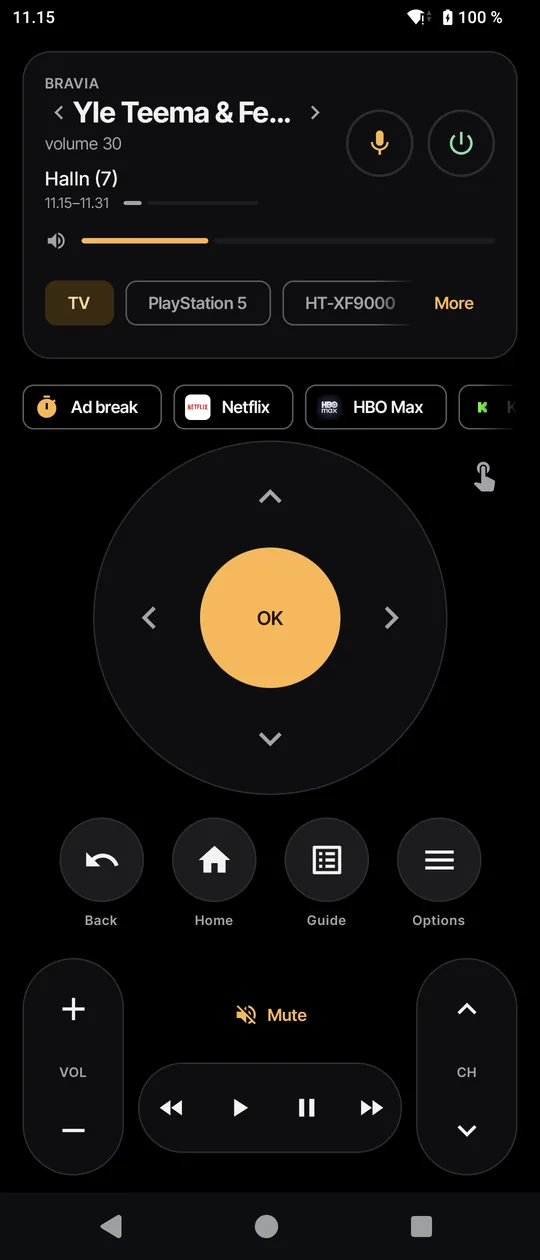
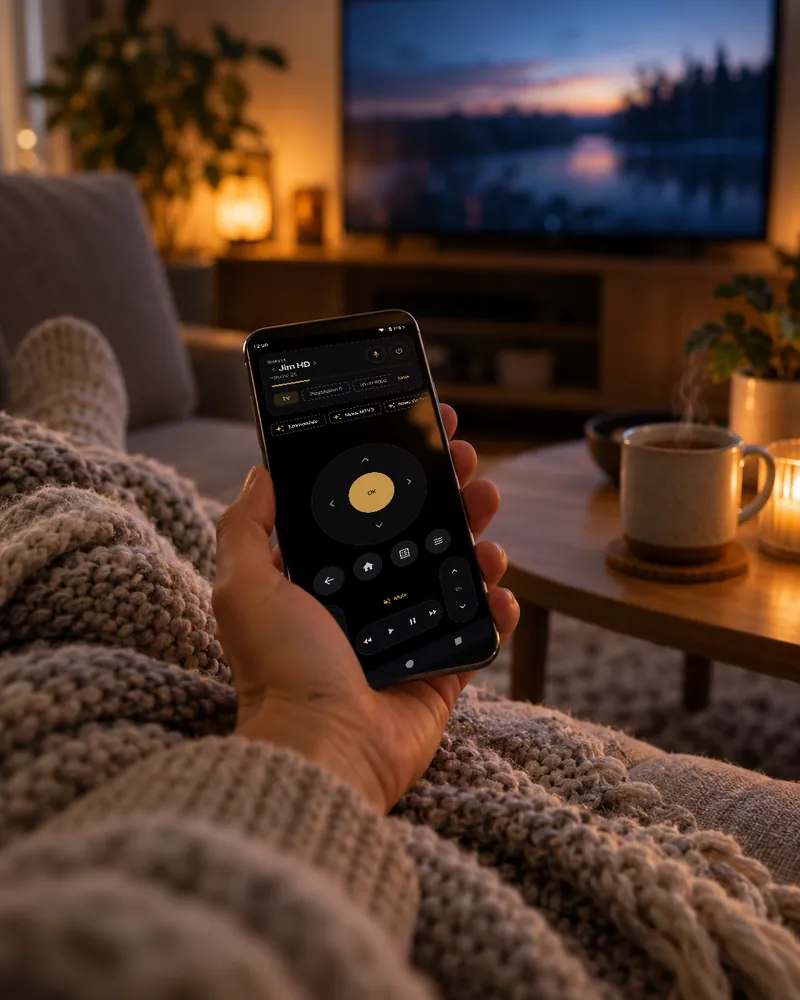
Everything the plastic remote does, without aiming it at the TV, plus the bits it never could.
The D-pad, volume and channels go over the Android TV Remote protocol, so a press lands before your thumb is off the screen.
Tensof milliseconds, press to TV
The card shows what's on and the volume. Swipe it for the next channel, and jump back to the previous one with a tap. When the commercials start, tap Ad break: the sound goes off and comes back by itself.
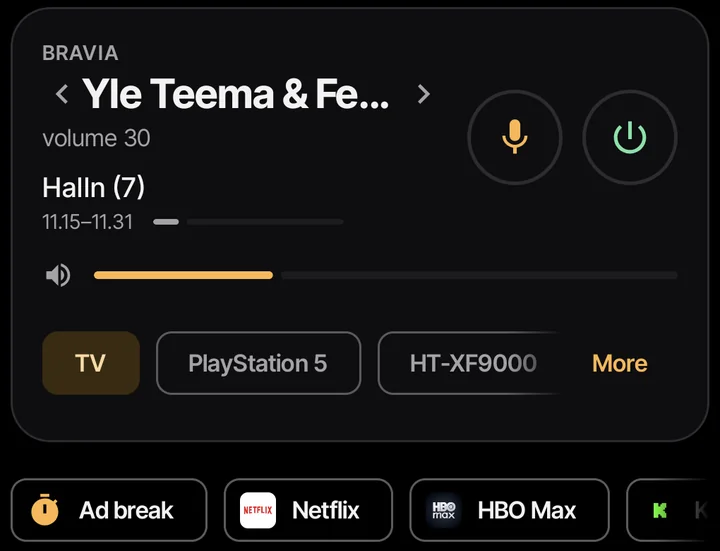
Swipe to move, tap for OK. Rest your finger after a swipe and it keeps moving.
Type or dictate into the TV's search, or just say it.
Voice commands in Finnish and English. The whole app is in both, too, and you can pick either, whatever your phone's language.
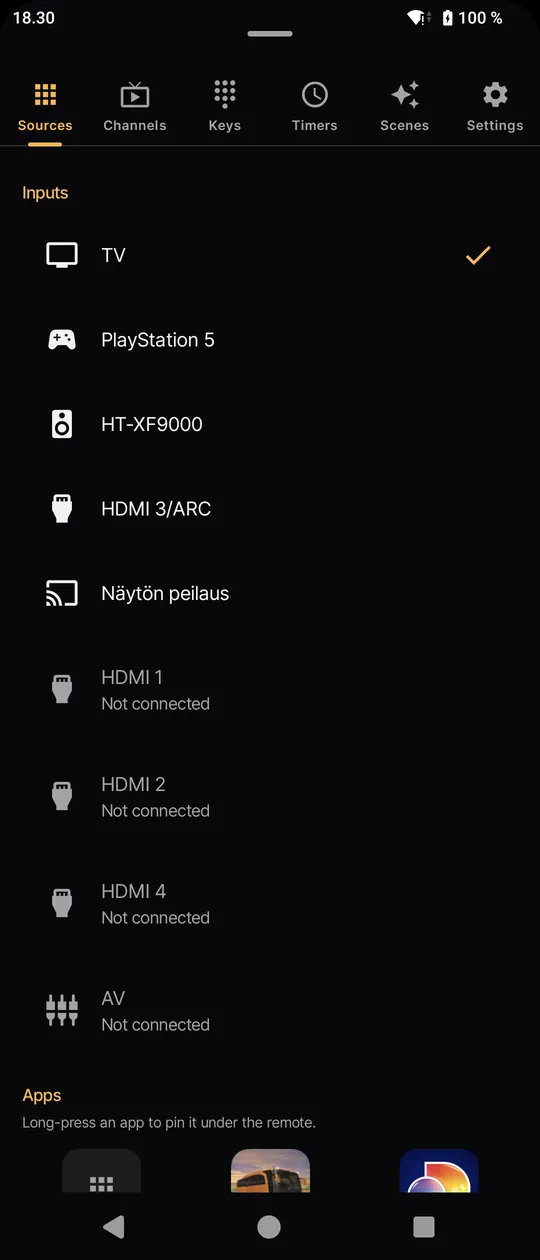
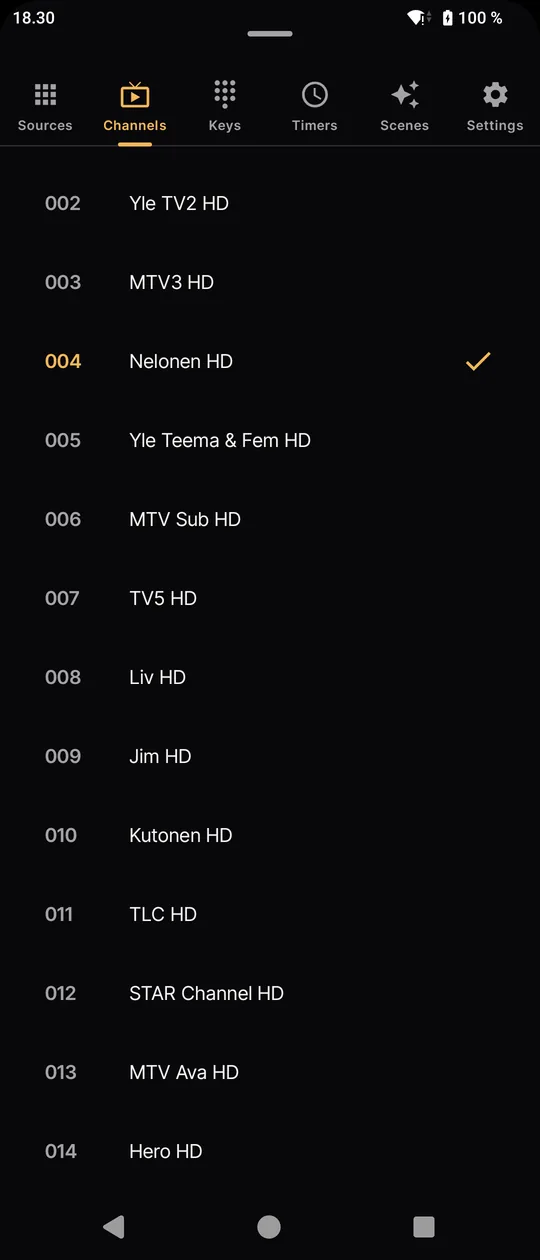
Inputs and installed apps with their icons, and the full channel list. Long-press an app to pin it under the remote as a one-tap button.
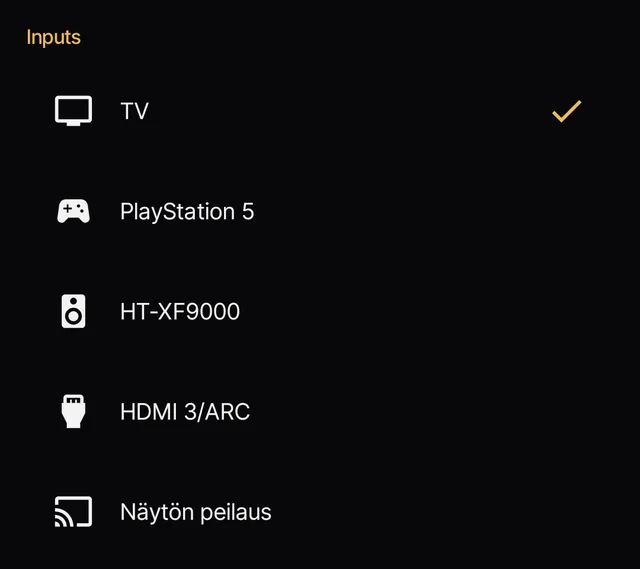
The phone's volume buttons change the TV volume while the app is open. Pinned apps also show up when you long-press the Sohva icon on your home screen.
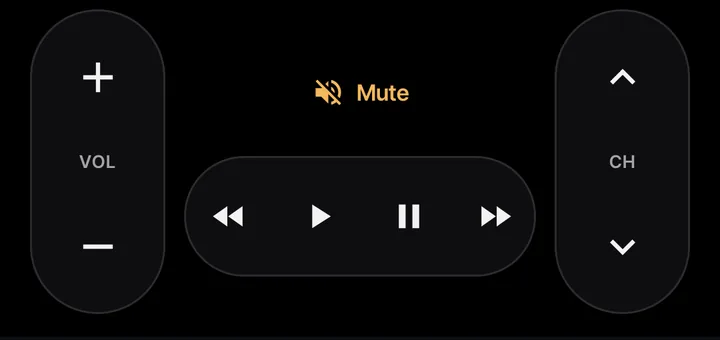
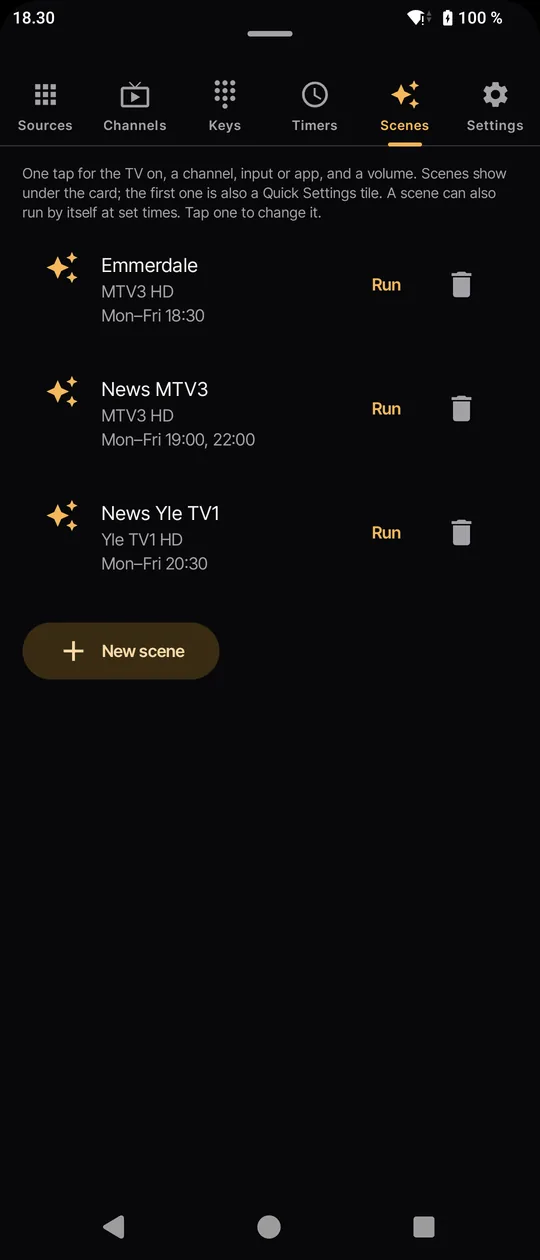
This is an example weekday. Three scenes switch channels at the right times while the TV is on; the sleep timer and wake-up handle both ends of the day, even with the app closed.
A scheduled scene never turns the TV on by itself. If nobody is watching at 20.00, the TV stays off.
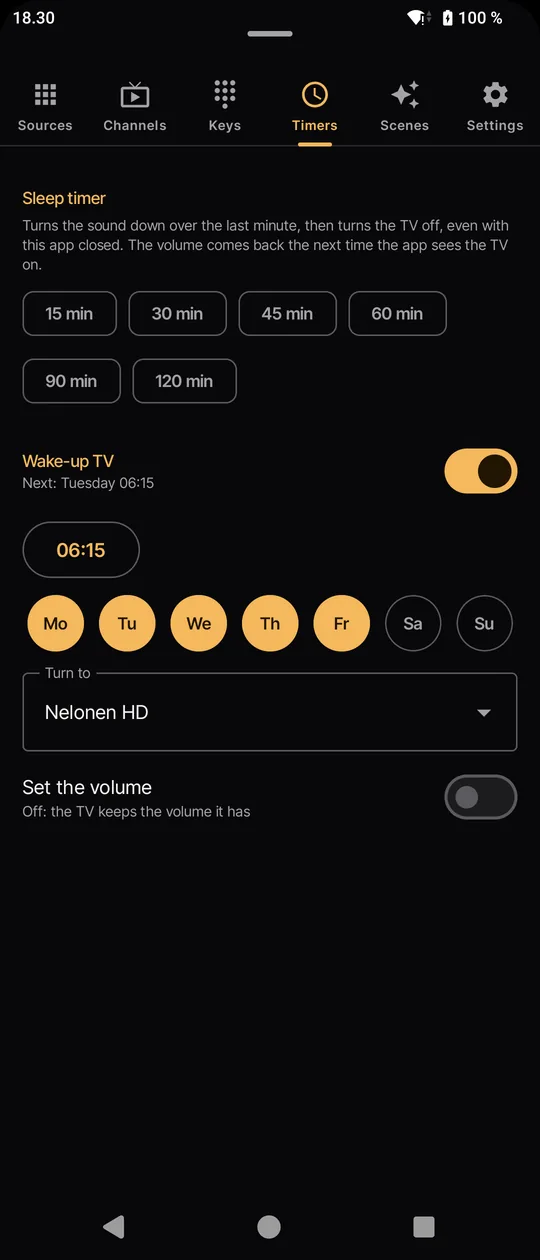
Wake-up turns the TV on at a set time, to the channel and volume you picked, even with the app closed. The coffee is still your job.
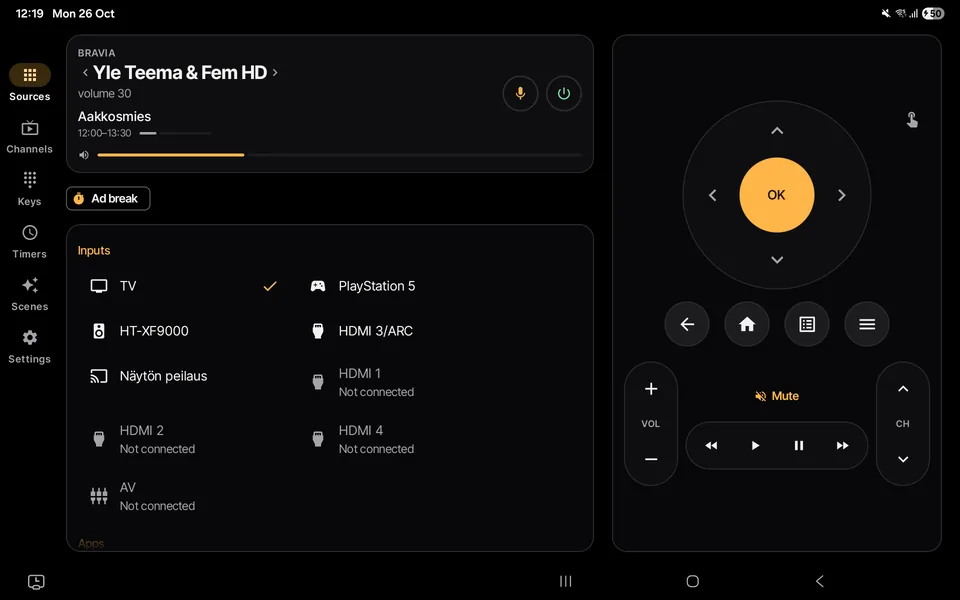
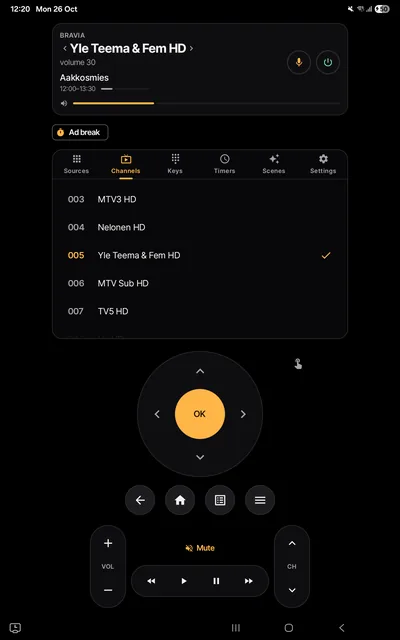
Turn the tablet on its side and the inputs, channels, timers and scenes stay open beside the remote. Held upright, they sit between the channel card and the remote. The buttons keep their phone size, so your thumb still finds them.
No ad to sit through before you can turn the volume down. Sohva Remote has no ads, no account and no servers of its own. The phone talks to the TV, and that's it.
The details are in the privacy policy (suomeksi).
Google Play availability is still pending. Sohva Remote 1.6.0 requires Android 8.0 or newer.
Use a phone or tablet with Android 8.0 or newer. Connect it to the same home network as the TV.
Settings › Network › Home network setup › IP control: set Authentication to "Normal and Pre-Shared Key" and Remote start to On.
When you open Sohva Remote on the same network, it finds the TV. Type the PIN the TV shows.
The short answers to what people ask first.
Sohva Remote was built and tested on a Sony KD-65XF9005 with Android TV. Other Bravia models need IP control, and compatibility can vary by model.
Open Settings › Network › Home network setup › IP control. Set Authentication to "Normal and Pre-Shared Key" and Remote start to On. Then open the app and type the PIN the TV shows.
Yes. There are no ads and no paywall: every feature is there from the first launch.
No. Sohva sends TV commands directly over your home network. If you use voice input, your phone's speech recognizer handles the audio.
Yes. On a tablet on its side, the inputs, channels, timers and scenes stay open beside the remote; held upright, they sit between the channel card and the remote. The remote keeps the size it has on a phone.
Google Play availability is still pending. Sohva Remote 1.6.0 requires Android 8.0 or newer.
No. Sohva Remote is an independent app made by Moth & Gravel. It isn't made by or affiliated with Sony. "Sohva" is Finnish for sofa.
Only what it needs to reach your TV, kept on the phone: the TV's address, the pairing keys and your settings. See the privacy policy.